
BizHawk Emulator
BizHawk is a multi-system emulator built by and for Tool-Assisted Speedrun (TAS) creators, with full support for casual play. When you launch it, you're running EmuHawk - its desktop frontend - which bundles dozens of emulation cores (NesHawk, GBHawk, melonDS, BSNES, Ares64, Nymashock and more) into a single TAS-friendly application.
It offers frame-by-frame tools, Lua scripting, video recording, rewinding, and deep debugging across 45+ classic systems, with accuracy prioritized over raw speed.
Free. Open Source. Community-Driven.
Why Choose Bizhawk Emulator?
Multi-System Support
BizHawk supports dozens of gaming systems including NES, SNES, Game Boy, GBA, Nintendo 64, PlayStation, Sega Genesis, and many more. One emulator for all your retro gaming needs.
Tool-Assisted Speedrun Tools
Built with TAS creators in mind, BizHawk offers frame-by-frame control, input recording, rewinding, and precise timing - everything you need to craft perfect tool-assisted runs.
Advanced Debugging Features
Analyze games down to the byte with built-in memory viewers, tracing tools, breakpoints, and frame-step debugging for in-depth testing and development.
Save States & Rewind
Easily save and load your progress across 10 save slots, or rewind gameplay in real time to retry critical moments without restarting.
Recording & Playback
Capture gameplay footage, record inputs, and export videos or TAS movies directly from the emulator - perfect for content creators and analysts.
Lua & C# Scripting
Automate gameplay, analyze data, or create custom overlays using Lua or .NET scripting for full programmatic control over emulation.
Simple Yet Powerful Interface
BizHawk combines a clean, intuitive interface with deeply customizable settings, making it easy for both beginners and advanced users.
Open-Source & Community-Driven
Developed by passionate contributors around the world, BizHawk is fully open-source, transparent, and constantly improving thanks to its active community.
Cross-Platform & Actively Updated
Available for Windows and other platforms via .NET, BizHawk continues to evolve with regular updates, bug fixes, and performance enhancements.
Screenshots
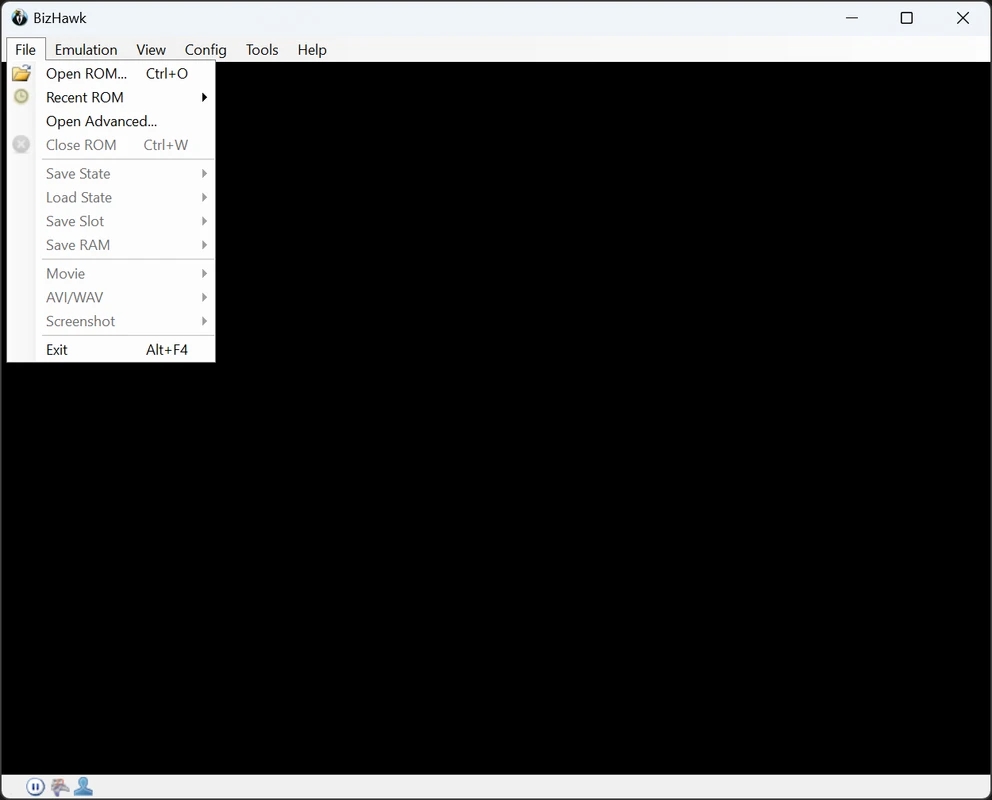
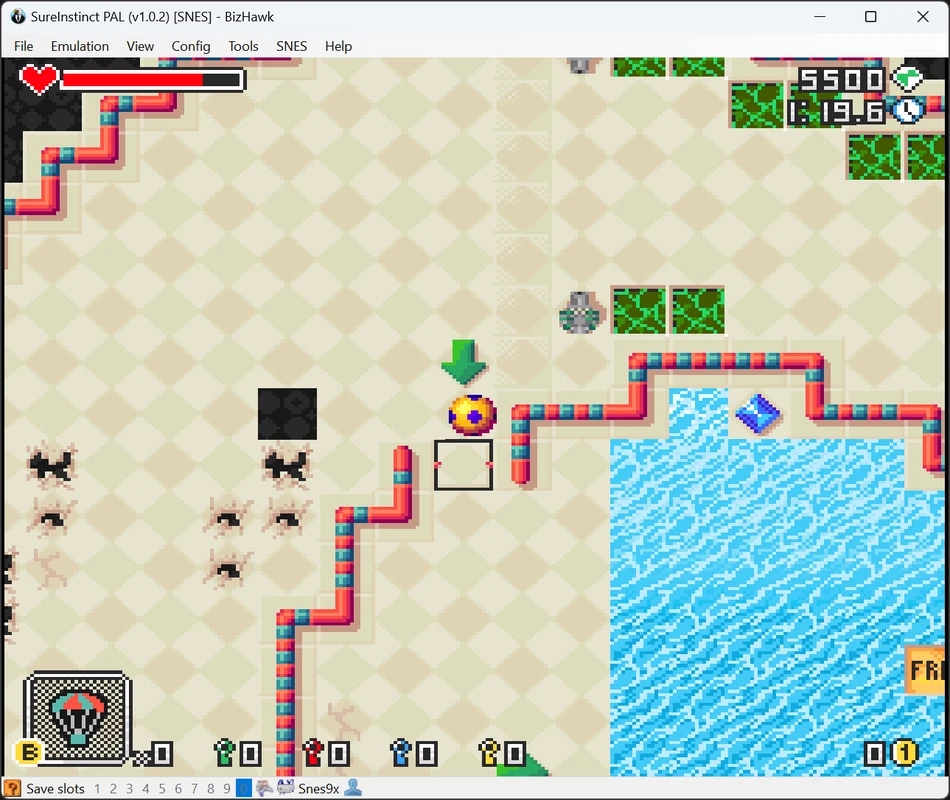
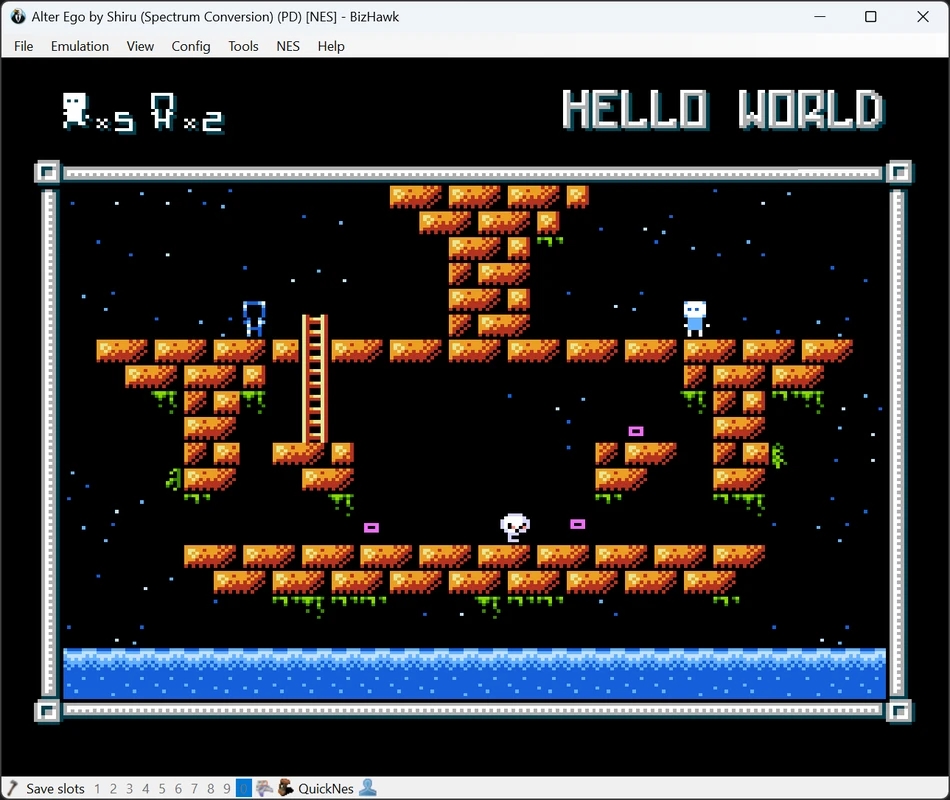
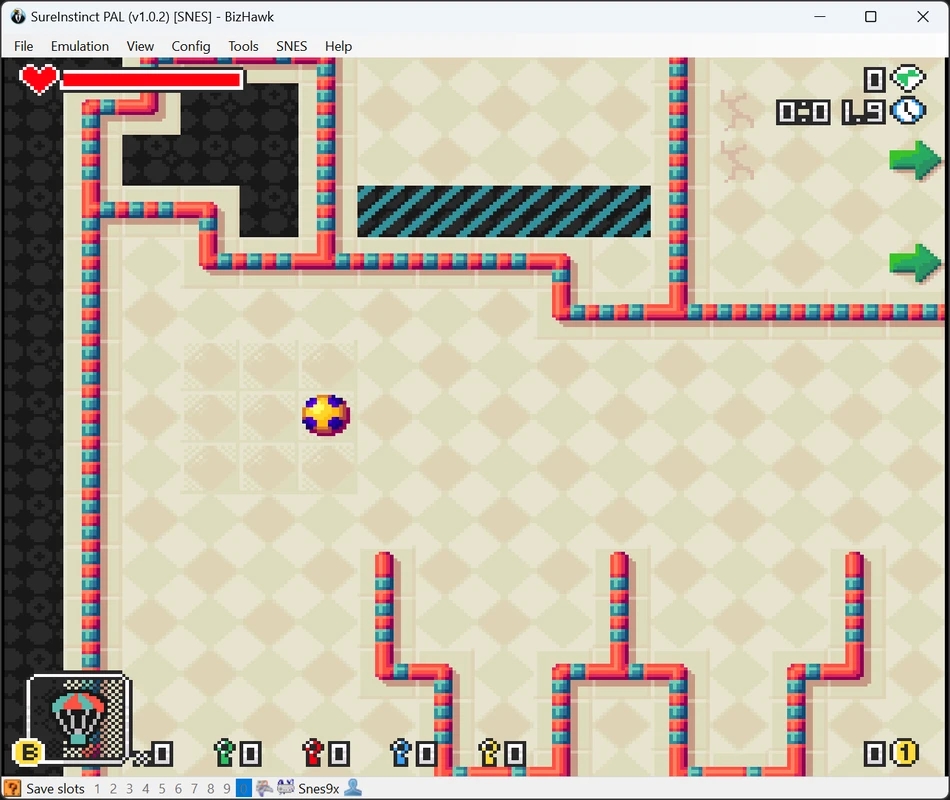
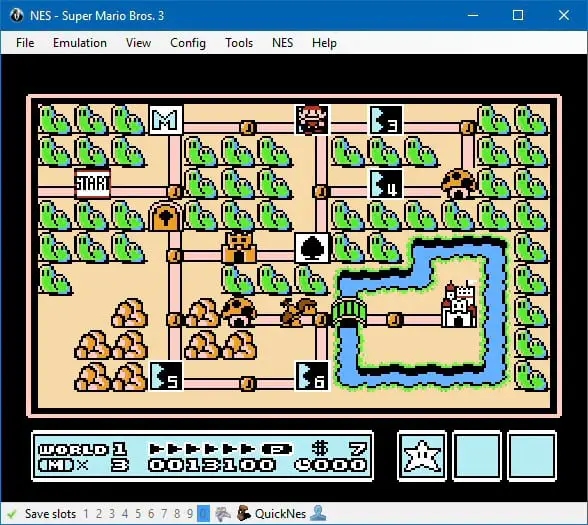
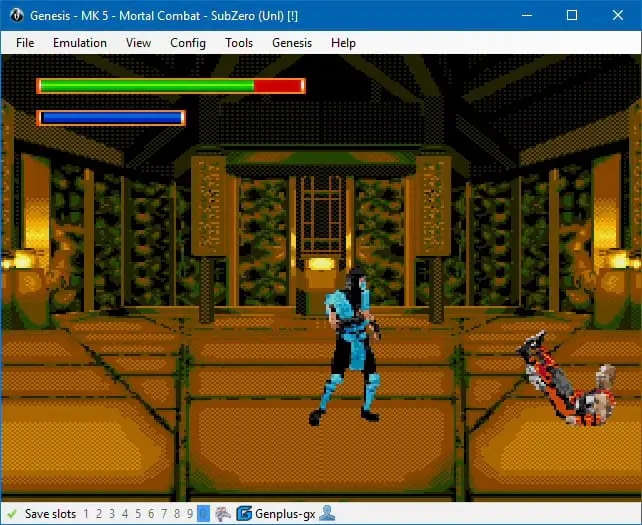
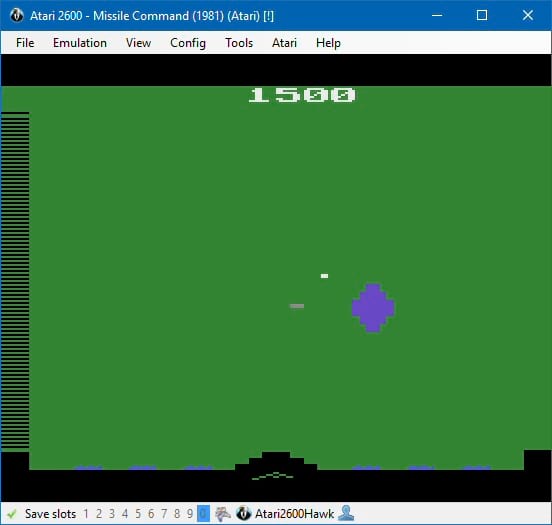
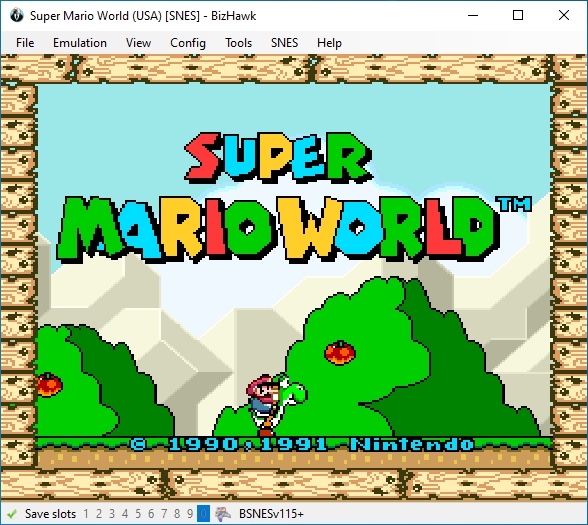
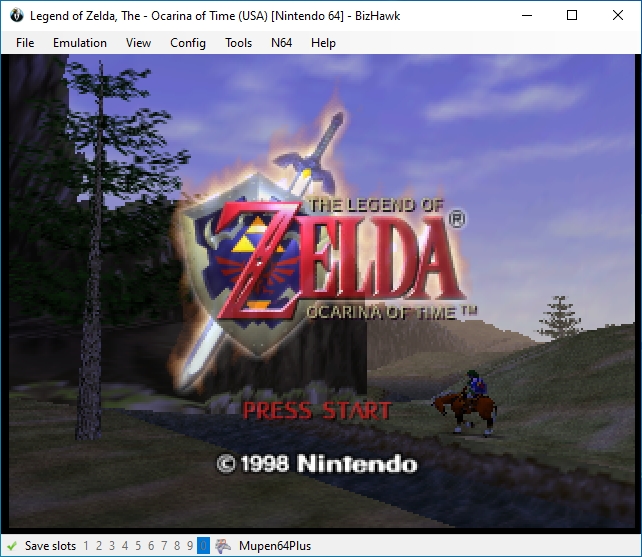
About Bizhawk Emulator
BizHawk is the umbrella project; EmuHawk is the actual application you launch. On Windows that's EmuHawk.exe; on Linux it's EmuHawkMono.sh. The two names refer to the same thing in everyday conversation, but BizHawk is the codebase and EmuHawk is the frontend that ties all the emulation cores together.
The project was built by and for tool-assisted speedrunners. Every design choice favors accuracy over raw performance, so cores reproduce original hardware behavior as faithfully as possible, even when that costs a few frames per second. This is the core reason BizHawk is the preferred emulator for official TASVideos submissions.
Inside EmuHawk you get TAStudio, a piano-roll style editor for composing speedrun movies frame by frame, alongside Lua scripting, RAM watch, a memory search and hex editor, frame advance, savestates, rewinding, and lossless AVI/WAV capture. The same tools work the same way across every supported system, which is rare for an emulator that covers this many platforms.
Supported systems include the full Nintendo lineup (NES, SNES, N64, Game Boy / Color / Advance, DS, DSi, 3DS, Virtual Boy), Sega (SG-1000, Master System, Game Gear, Genesis / 32X / Sega CD, Saturn), PlayStation (PSX), Atari (2600 / 7800 / Lynx / Jaguar), NEC PC Engine family, Commodore 64 and Amiga, Apple II, MSX, ZX Spectrum, Intellivision, ColecoVision, WonderSwan, Neo Geo Pocket, Vectrex, 3DO, Arcade (MAME), DOS and early Windows via DOSBox-X, plus PlayStation Portable through the experimental PPSSPP core added in 2.11.1.
BizHawk is open source, MIT-licensed in spirit, and maintained entirely by volunteers from the TASVideos community. There is no paid edition and no telemetry; the whole codebase lives on GitHub.
By using this site you agree to respect intellectual property laws and only run BizHawk with games and firmware you legally own.
Supported Platforms
Nintendo
- • Nintendo Entertainment System (NES) / Famicom / Famicom Disk System (FDS)
- • Super Nintendo Entertainment System (SNES) / Super Famicom / Satellaview / Super Game Boy (SGB)
- • Nintendo 64 / 64DD
- • Game Boy, Game Boy Color, and Game Boy Advance
- • Nintendo DS and DSi
- • Nintendo 3DS
- • Virtual Boy
Sega
- • SG-1000
- • Master System and Game Gear
- • Genesis / Mega Drive, 32X, and Sega CD
- • Saturn
Sony
- • PlayStation (PSX)
- • PlayStation Portable (PSP) (via Libretro cores)
Atari
- • Atari 2600 (Video Computer System)
- • Atari 7800
- • Atari Lynx
- • Atari Jaguar + CD
Commodore & Amiga
- • Commodore 64
- • Commodore Amiga
NEC
- • PC Engine / TurboGrafx-16
- • SuperGrafx
- • PC-FX
- • PCE CD
Texas Instruments
- • TI-83 Graphing Calculator
Microsoft / PC
- • DOS and Windows games
- • Doom (Standalone)
Classic Computers & Others
- • Apple II
- • MSX
- • ZX Spectrum
- • Fairchild Channel F
- • Mattel Intellivision
- • Magnavox Odyssey² / Videopac G7000
- • GCE Vectrex
- • ColecoVision
- • Neo Geo Pocket and Pocket Color
- • Bandai WonderSwan and WonderSwan Color
- • TIC-80
- • Uzebox
- • Arcade Machines
- • 3DO
Coming Soon
Additional classic and experimental systems are under active development by the BizHawk community.
How to Install BizHawk
Download the latest version of BizHawk for Windows from the buttons above or from the GitHub releases page.
Choose the file named: BizHawk-<version>-win-x64.zip
Extract the archive anywhere on your PC.
Each version should be in its own folder - don't mix files from different releases.
Run EmuHawk.exe to start BizHawk.
- • If Windows SmartScreen shows a warning, click "More Info" → "Run anyway."
- • Some antivirus tools may also block startup - add an exception if needed.
Requirements
If you see "EmuHawk needs X in order to run!", install the missing component.
As of version 2.10, only the Microsoft Visual C++ Redistributable is required.
BizHawk officially supports Windows 10 (22H2) and Windows 11 (21H2) or newer.
For older systems (Windows XP, 7, or 8.1 32-bit), a legacy version 1.13.2 is available, but it has limited functionality and is no longer maintained.
You can install BizHawk from your package manager or download the binaries from GitHub.
Option 1: Using your package manager
- • Arch Linux (AUR): bizhawk-bin
- • Nix/NixOS: see the Nix instructions below.
Option 2: Manual installation
Download the latest release from GitHub and extract it.
Keep each version in a separate folder.
Dependencies:
- • glibc
- • Mono (complete)
- • OpenAL
- • Lua 5.4
- • lsb_release
BizHawk runs natively on x86_64. On AArch64, some features may be missing.
Run EmuHawkMono.sh to launch BizHawk.
You can create a .desktop shortcut to make launching easier. The same command-line arguments as Windows are supported.
Note: The Linux version is near feature-parity with Windows, but some cores (like Mupen64Plus/N64) are not yet supported.
BizHawk is primarily a Windows-based project and does not officially support macOS. However, macOS users have a few alternatives:
- • Use Windows or Linux on another machine or inside a VM (Virtual Machine).
- • Run older 1.x releases ported by the community via Rosetta (Intel-only).
- • Advanced users can try building from older source versions manually.
Warning: Apple Silicon (M1/M2/M3) is not natively supported. Emulation via Rosetta may work but is not guaranteed.
BizHawk is not available for Android or iOS devices. There are currently no official or community builds for these platforms.
You can install BizHawk or get a full development environment using Nix.
- • Clone the repository or fetch a specific commit using fetchzip.
- • Import the Nix expression to build or run BizHawk directly.
- • Developers can use the included shell.nix to get the full .NET SDK and dependencies.
Development builds are generated automatically whenever new code is contributed. Use them only if you need the latest changes or experimental features.
- • Latest Dev Build (Windows)
- • Latest Dev Build (Linux)
- • All Builds on GitHub Actions
Warning: For TAS work or long sessions, we recommend using stable releases for better reliability.
BIOS Files for Bizhawk
Certain consoles and systems emulated by BizHawk require firmware or BIOS files to run properly. These files act as the system software that the original hardware used to boot games or manage specific hardware features.
Many games can be played without any additional BIOS files, but for full compatibility - especially for Tool-Assisted Speedrun (TAS) submissions - you should use the correct firmware whenever possible.
BizHawk (via the EmuHawk frontend) will automatically notify you if a required BIOS file is missing. You can also manage and verify firmware from within the emulator by navigating to Config → Firmware...
Right-click any entry and select Info to view its SHA-1 or SHA-256 hash and confirm file integrity.
Important Notes
- • BIOS and firmware files are not included with BizHawk or the prerequisites installer.
- • You must acquire these files yourself. They are copyrighted material and cannot be distributed legally through this site or the official forums.
- • It is possible to dump BIOS files directly from your own hardware if you have the proper tools and knowledge.
- • Always verify the hash values listed below to ensure that your files are correct and unmodified.
Below is a reference list of common BIOS files used by BizHawk.
The full, up-to-date list can always be found inside the emulator under Config → Firmware...
Famicom Disk System
| Filename | Hash (SHA-256) | Games |
|---|---|---|
| disksys.rom | 99C18490ED9002D9C6D999B9D8D15BE5C051BDFA7CC7E73318053C9A994B0178 | All Famicom Disk Games |
Super Nintendo Entertainment System (SNES)
| Filename | Hash (SHA-256) | Games |
|---|---|---|
| cx4.rom | AE8D4D1961B93421FF00B3CAA1D0F0CE7783E749772A3369C36B3DBF0D37EF18 | Mega Man X2, Mega Man X3 |
| dsp1b.rom | D789CB3C36B05C0B23B6C6F23BE7AA37C6E78B6EE9CEAC8D2D2AA9D8C4D35FA9 | Ballz 3D, Pilotwings, Super Mario Kart |
| sgb.sfc | A75160F7B89B1F0E20FD2F6441BB86285C7378DB5035EF6885485EAFF6059376 | Super Game Boy Emulation |
Game Boy Advance
| Filename | Hash (SHA-256) | Games |
|---|---|---|
| gbabios.rom | FD2547724B505F487E6DCB29EC2ECFF3AF35A841A77AB2E85FD87350ABD36570 | All GBA Games |
Sony PlayStation (PSX)
| Filename | Hash (SHA-256) | Region |
|---|---|---|
| ps-30a.bin | 11052B6499E466BBF0A709B1F9CB6834A9418E66680387912451E971CF8A1FEF | United States |
| ps-30e.bin | 1FAAA18FA820A0225E488D9F086296B8E6C46DF739666093987FF7D8FD352C09 | Europe |
| ps-30j.bin | 9C0421858E217805F4ABE18698AFEA8D5AA36FF0727EB8484944E00EB5E7EADB | Japan |
Sega Saturn
| Filename | Hash (SHA-1) | Region |
|---|---|---|
| Saturn-v1.00-(J).bin | 2B8CB4F87580683EB4D760E4ED210813D667F0A2 | Japan |
| saturn-1.00-(U+E).bin | FAA8EA183A6D7BBE5D4E03BB1332519800D3FBC3 | America & Europe |
Disclaimer: BizHawk does not include or distribute any BIOS or firmware files. These are copyrighted materials provided for informational reference only.
Frequently Asked Questions
BizHawk is a free, open-source multi-system emulator developed for both casual retro gamers and Tool-Assisted Speedrun (TAS) creators. It offers accurate emulation, debugging, and recording tools for dozens of classic systems - all in one unified interface.
It's a playful reversal - "Hawk Biz." The name has no hidden meaning, it just stuck as the project evolved.
Yes. BizHawk is completely free and open source.
It's developed and maintained by volunteers from the TASVideos community under an open license.
You can download it, modify it, and contribute to its codebase on GitHub - no payment required.
Yes - using the emulator itself is 100% legal.
However, downloading or sharing copyrighted ROMs or BIOS files that you don't personally own is not legal in most regions.
To stay compliant, you should only play games and firmware you've dumped from your own hardware.
No. BizHawk does not include any copyrighted content.
You must provide your own legally obtained game files and console firmware.
There are several reasons you might see slow performance:
- • Check that you haven't accidentally changed the emulation speed (reset it via
Shift + =or Config → Speed/Skip → Speed 100%). - • BizHawk's emulation cores are single-threaded for accuracy, which can be slower than standalone emulators.
- • If you have a dedicated GPU (NVIDIA or AMD), make sure BizHawk is using it instead of your integrated graphics for smoother rendering and video encoding.
BizHawk allows frame-by-frame input recording and video capture:
- 1. Open your game.
- 2. Go to File → AVI/WAV → Config and Record AVI/WAV.
- 3. Choose FFmpeg writer → AVI Lossless (FFV1) for high-quality recording.
You can also use TAStudio for detailed TAS input editing and playback.
If you're experiencing problems:
Visit the official BizHawk GitHub issue tracker.
You can also find platform-specific documentation in the GitHub repository.